

Filmstrip Photograph and Video Slider for JavaScript
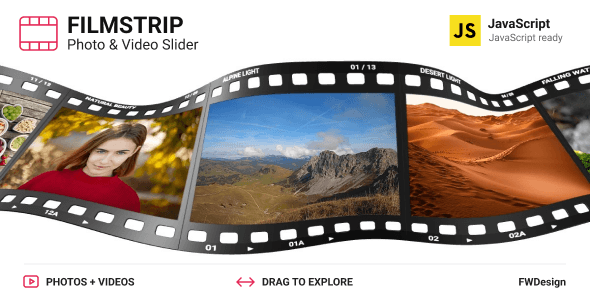
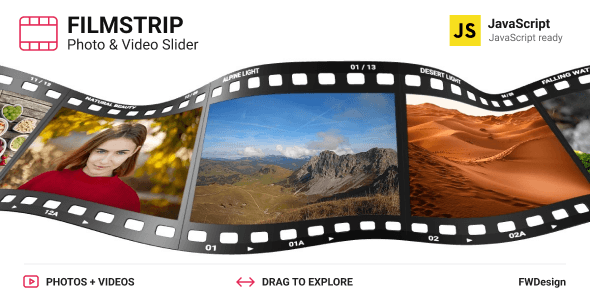
Flip your images and movies into an interactive 3D filmstrip. Filmstrip Photograph and Video Slider combines detailed movie frames, flowing curves and clean drag navigation in a gallery constructed with Three.js. Use it for pictures, artistic portfolios, journey collections, trend, merchandise or video showcases.
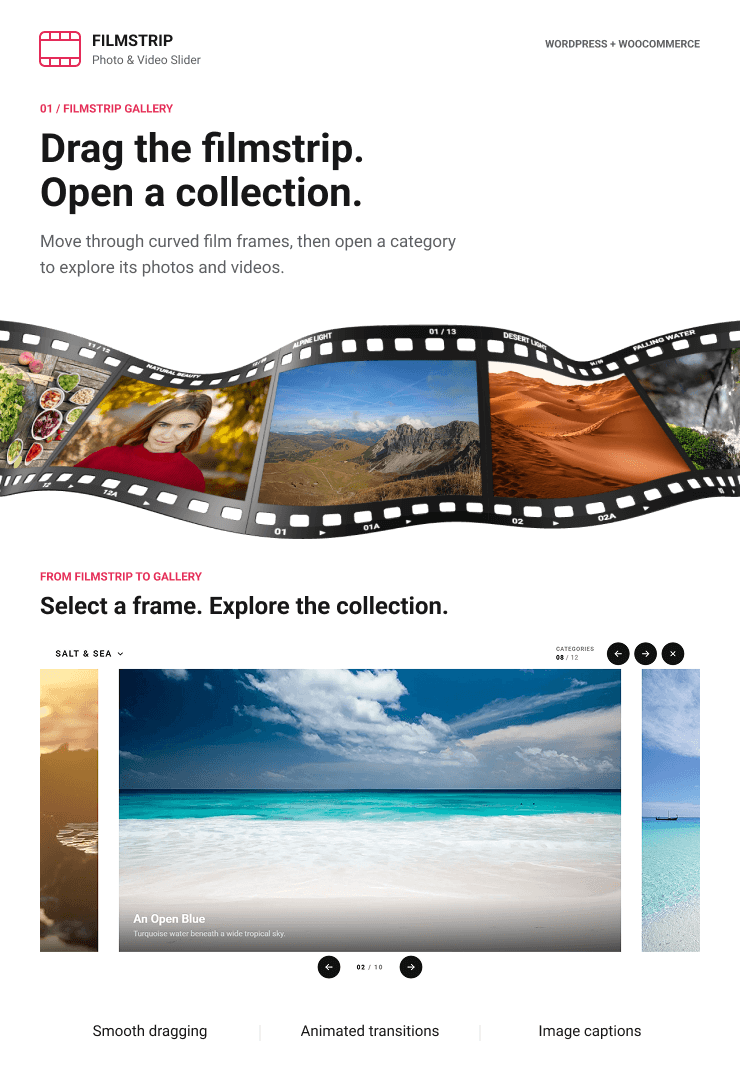
Drag the filmstrip to discover your collections, then click on a body to open its class. The chosen body strikes into focus and unfolds right into a horizontal gallery of images and movies. Shut the class to return to the filmstrip with a steady reverse transition.
View Live Preview | JavaScript Documentation
A filmstrip that responds to motion
The movie frames use a 3D mannequin with clear perforations, customizable textual content and adjustable colours. The filmstrip bends as you drag and settles with clean momentum whenever you launch it. Alter its curves, place, rotation and body proportions, or select a straight structure with out curves.
Photographs and movies in the identical gallery
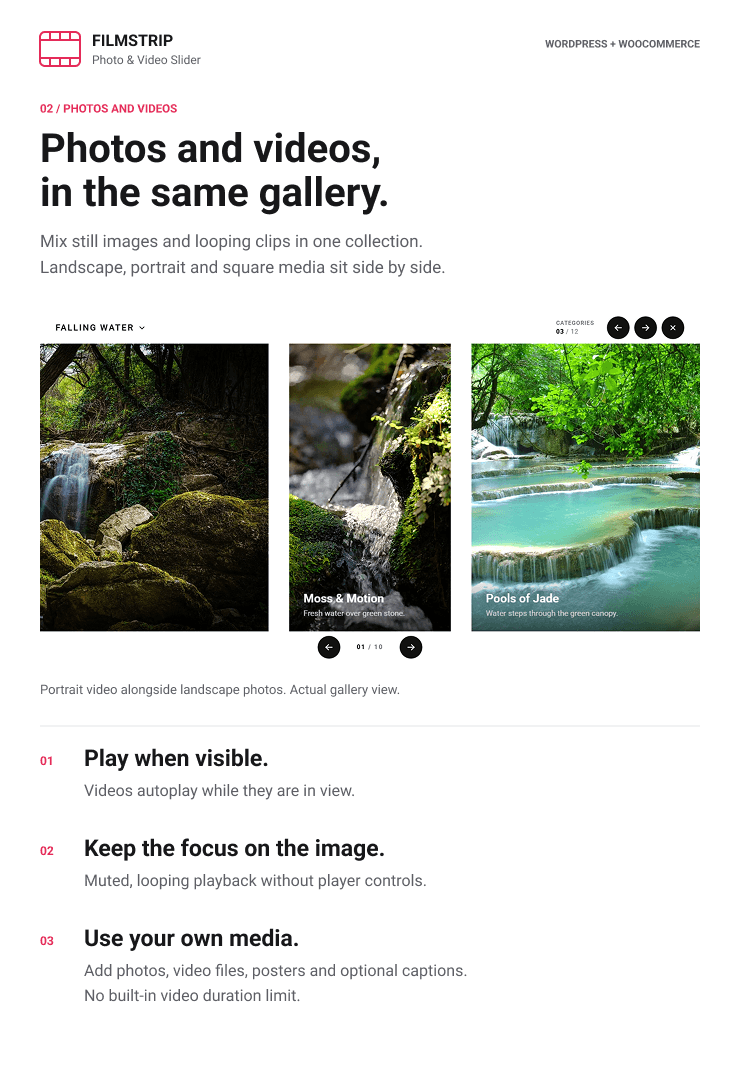
Combine portrait, panorama and sq. media inside your classes. Use a photograph or video as a class cowl and mix each codecs contained in the opened gallery. Movies autoplay muted and loop whereas seen, with no participant controls. Playback pauses once they go away view, and poster photographs present a nonetheless preview whereas video content material masses.
Options
- Three.js rendering: 3D movie frames with animated bending, hover results and class transitions.
- Mouse and contact navigation: drag the filmstrip and opened classes with clean launch movement.
- Non-obligatory mouse wheel: configure wheel navigation individually for the filmstrip, class gallery and class selector.
- Versatile sizing: match the gallery to a guardian container or use a responsive structure with a configurable peak.
- Combined media: use JPG, PNG and WebP photographs alongside browser-compatible MP4 and WebM movies.
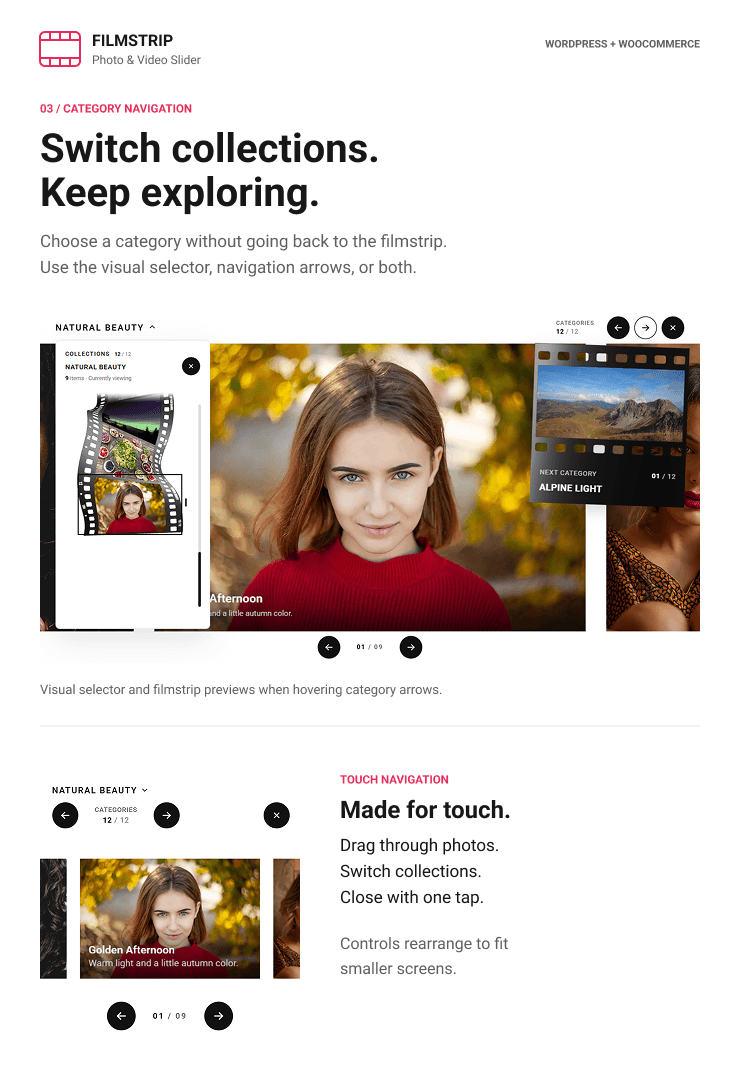
- Class navigation: select a draggable miniature filmstrip selector, earlier and subsequent class arrows, each choices or neither.
- Animated class previews: preview the following or earlier assortment in a small movie body, together with video playback when its cowl is a video.
- Picture navigation: earlier and subsequent buttons, merchandise counters and click-to-center interplay.
- Adaptive wrapping: galleries wrap constantly when there’s sufficient content material and use finite scrolling when there’s not.
- Three click on actions: open a class, open a hyperlink or just middle the chosen body.
- Non-obligatory captions: add a title, an outline, each or neither for every media merchandise.
- Customized styling: configure fonts, textual content sizes, spacing, movie colours, buttons and captions.
- Coloration results: use full-color media or a black-and-white remedy with colour on hover.
- Non-obligatory visible results: allow flowmap distortion, waves, noise or grid results.
- Deep linking: optionally hyperlink on to a class and a person media merchandise.
- Progressive loading: loading placeholders and picture fades maintain the gallery visually related as media turns into obtainable.
- JavaScript API: open and shut classes, navigate gadgets, learn gallery state and reply to lifecycle occasions.
- Cleanup assist: destroy the gallery when eradicating it out of your web page or software.
Integration and examples
Outline your classes and media in HTML, then initialize the slider with its JavaScript settings. The included begin.html reference and documentation clarify the markup, configuration, occasions and public API.
The reside preview demonstrates responsive sizing, full colour, mouse wheel navigation, a straight filmstrip, flowmap distortion, waves, noise, grid results and frames that open hyperlinks.
Necessities
That is the standalone JavaScript version. Integration requires modifying HTML and JavaScript. Use a contemporary browser with WebGL enabled and serve the gallery by way of an online server. Video playback relies on browser assist for the equipped format and codec. Present a poster picture for every video. The slider performs your media information straight and doesn’t transcode them or present adaptive streaming.
Documentation and assist
Read the JavaScript documentation or contact FWDesign for assist. It’s also possible to e-mail [email protected] or [email protected]. Embody your web page URL and an outline of the problem so we will reproduce it.

